How Cooling Affects Laptop Efficiency: Why Temperature Management Matters
When your laptop overheats, it doesn’t just get warm — it slows down, crashes, and can shorten its lifespan. Whether you use it for gaming, work, or browsing, effective cooling is essential for long-term performance and reliability. Poor airflow, clogged vents, or weak internal fans can lead to throttled speeds, sudden shutdowns, or even permanent damage. At Dave’s Computers, we offer expert laptop repair in New Jersey to help customers protect their devices with cooling solutions that boost performance and prevent costly issues.
Let’s look at how cooling affects laptop efficiency and how you can manage heat before it affects your productivity.
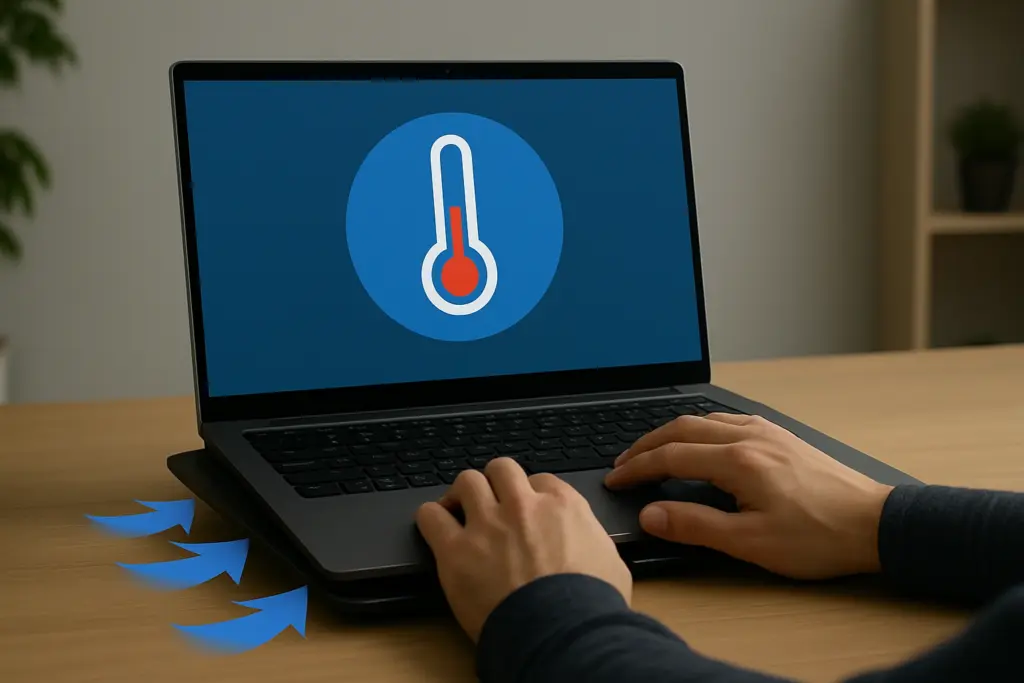
Why Cooling Impacts Laptop Performance
Heat buildup puts strain on your laptop’s internal parts. As temperatures rise, the CPU and GPU often reduce their speeds automatically to prevent damage—a process called thermal throttling. This causes performance drops even when you’re doing simple tasks. In more extreme cases, overheating can cause random reboots, screen freezes, and corrupted files.Good cooling systems protect against this. When airflow is steady and heat is moved away from vital components, your laptop can operate at peak performance for longer periods. This results in faster app launches, smoother video playback, and better gaming or multitasking. Efficient cooling is also a key factor in device stability during high-demand usage — and it plays a big role in how to extend laptop lifespan.
How Heat and Airflow Affect Cooling System Efficiency
Every laptop produces heat. The processor, graphics chip, memory, and even the battery generate warmth when in use. If your cooling system can’t move this heat out quickly, internal temperatures climb, and components start to suffer.
Airflow is the backbone of heat management. Cool air needs to flow in while hot air exits out. Blocked vents or dusty fans restrict this process, forcing your cooling system to work harder. Over time, this can wear down fan motors and reduce the cooling efficiency even more.
Simple habits, like using your laptop on a flat surface, avoiding soft bedding or cushions, and cleaning your vents every few months, can make a big difference. Even just elevating your laptop with a stand can improve ventilation and help lower internal temperatures by several degrees. At Dave’s Computers, we often see laptops where simple airflow improvements could have prevented expensive repairs — which is why we always remind users of how to extend laptop hard drive life.
Built-In vs. External Cooling: What Works Best?
Laptops come with built-in fans, heat pipes, and internal layouts designed for heat dissipation. These systems are usually enough for everyday use, but they have limits, especially with ultrathin models or devices used for heavy tasks.When built-in systems aren’t enough, external cooling pads step in. These accessories are designed to push extra air across your laptop’s underside, targeting hotspots and helping the internal fans work more efficiently.
Cooling pads are especially useful for:
- Gaming laptops under heavy load
- Older laptops with worn-out fans
- Users who work long hours or run multiple apps at once
Signs Your Laptop’s Cooling System Needs Attention
Most users don’t think about cooling until their laptops start acting up. But catching earlysigns of heat trouble can save you from major headaches. Watch for these warning signs:- The fan is loud or constantly running
- The bottom of your laptop feels hot to the touch
- Your laptop slows down during simple tasks
- Apps take longer to load or crash unexpectedly
- The device shuts off randomly
Professional Laptop Cooling Support from Dave’s Computers
At Dave’s Computers, we specialize in temperature management and laptop repair forcustomers across New Jersey. Whether you're a student, professional, or gamer, we helpyou keep your device running cool and fast. Our services include:- Internal fan cleaning and replacement
- Thermal paste application
- Laptop cooling pad recommendations
- Airflow analysis and vent cleaning
- Performance diagnostics and thermal scans