Workstation vs Gaming PC: Which Desktop Is Right for You?
When shopping for a high-performance desktop computer, you’ll likely face a key question: should you go with a workstation or a gaming PC? Both are powerful machines, but they’re designed with different goals in mind. Workstations are built to handle complex professional tasks, while gaming PCs prioritize speed, responsiveness, and visual performance for immersive gaming.At Dave’s Computers, our custom PC build services in New Jersey help customers match their desktop computers to their needs, whether you're editing video, rendering 3D models, or running the latest games. Here's how workstations and gaming PCs differ, and what you should consider before buying.
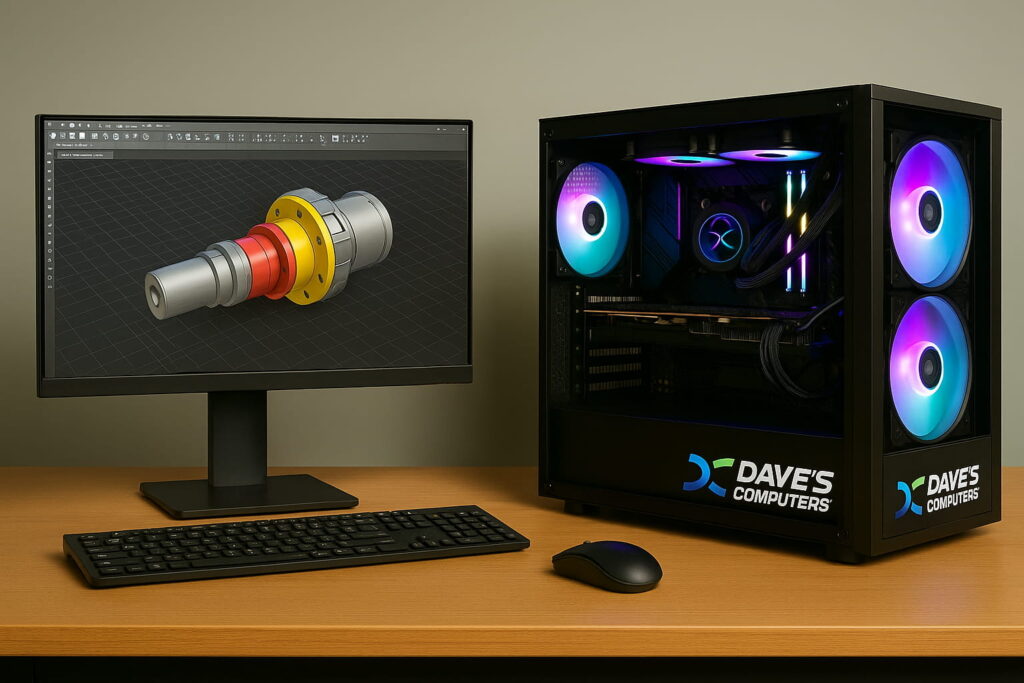
PC Hardware Differences: How Components Define Performance
The hardware inside your PC determines how well it handles specific tasks. Workstations use components built for stability, multitasking, and professional applications like CAD, data analysis, and video editing. They often feature:- Workstation CPUs with more cores for parallel computing
- ECC RAM (error-correcting code) to reduce the risk of data corruption
- Workstation motherboards designed for stability and long-term performance
- Gaming CPUs with high clock speeds for fast frame rates
- Gaming motherboards that support overclocking
- High-end GPUs for realistic graphics and smooth gameplay
- Advanced cooling systems to manage heat during intense gaming sessions
Use Cases: Professional Workflows vs Gaming Performance
Workstation for Professional Applications
If your daily tasks involve software like AutoCAD, Adobe Premiere, or Blender, a workstation PC is the right fit. These systems are designed for:- Rendering large creative files
- Running multiple heavy applications simultaneously
- Performing complex calculations or simulations
Gaming PC for Entertainment and Everyday Use
Gaming PCs, on the other hand, prioritize gaming performance. They’re built for:- High refresh rate monitors
- Quick load times
- Smooth, responsive controls
Multitasking and Hybrid Needs: When You Need Both From a PC
Some users need a system that performs well across both creative and recreational tasks. Maybe you want to game in the evenings but edit 4K videos during the day. In that case, a hybrid solution might be right. Here’s how to balance your build:- Prioritize a strong multi-core CPU to handle both games and creative software
- Choose ample RAM (32GB or more) to support multitasking
- Consider a GPU that performs well in both gaming and rendering scenarios
Choosing the Right Desktop Computer for You
To choose between a workstation vs gaming PC, start with your main use case. Here's a quick breakdown to help guide your decision:| Use Case | Recommended Build Type |
|---|---|
| CAD, 3D modeling, video editing | Workstation PC |
| Competitive gaming | Gaming PC |
| Streaming and gaming | Gaming PC with multitasking support |
| Data analysis or simulations | Workstation PC |
| Office work + casual gaming | Hybrid desktop |
Why Turn to Dave’s Computers?
Our team in New Jersey builds and configures desktops specifically for:- Workstation performance tailored to your profession
- Gaming hardware selected for maximum enjoyment
- Hybrid builds that combine versatility and reliability