How to Fix Unbootable Laptop Hard Drive: Step-by-Step Repair Guide
When your laptop suddenly won’t boot, it can feel like everything has come to a halt — especially if it holds important work or personal files. At Dave’s Computers, we help New Jersey residents with laptop repair in New Jersey to recover from hard drive failures quickly and safely. In this guide, we’ll walk you through how to fix unbootable laptop hard drive issues, restore your data, and get your laptop running again.
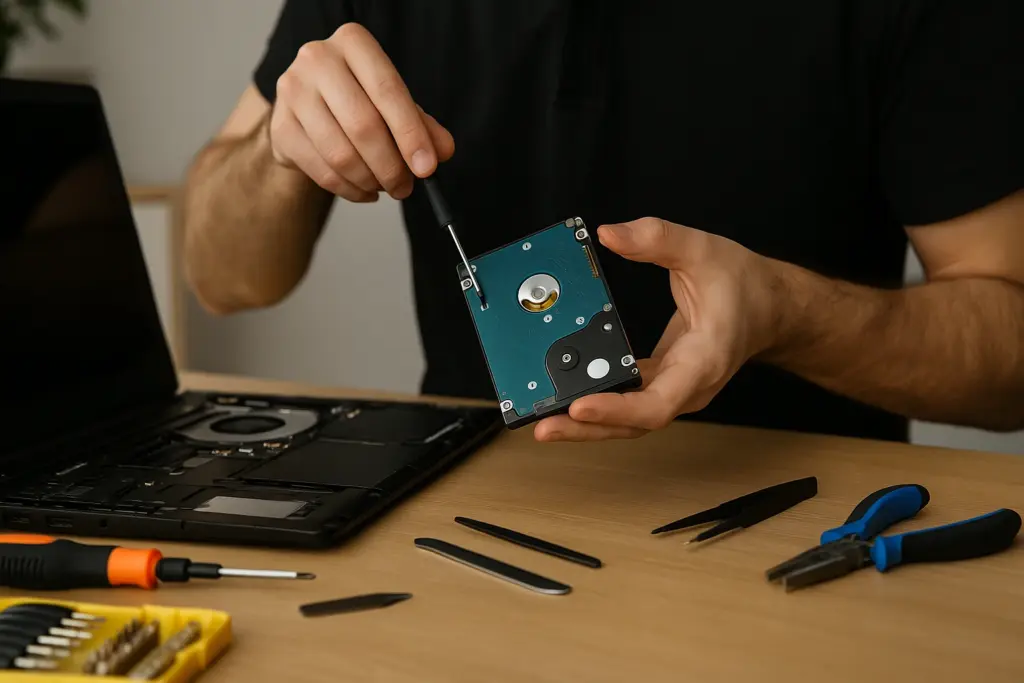
Signs Your Laptop Has a Boot Problem
Not all startup issues point directly to the hard drive. Some are tied to software glitches, power failures, or system updates gone wrong. Here's what to look for:- A “no bootable device” message
- Spinning or blinking cursor with no Windows loading screen
- Repetitive restarting without reaching the desktop
- Clicking or grinding sounds from the laptop
Run Diagnostics to Identify Hard Drive Issues
Determining whether the drive has failed physically or logically is important. Many laptops include built-in diagnostics:- BIOS or UEFI Drive Test: Check the health status of your hard disk.
- Listen for Physical Damage: Clicking or grinding usually signals physical failure.
- Check for Detection on Another Computer: Use a USB-to-SATA adapter to plug the drive into a working machine. If the drive is visible but not readable, the issue could be data corruption.
If your drive isn’t detected at all, or if accessing it causes strange noises, stop immediately to prevent permanent data loss. While data recovery tools might help if the drive is still accessible, it’s best to consult a professional — especially if you need to recover data from a hacked laptop or deal with business-critical files.
Use System Restore to Repair a Non-Booting Laptop
If the hard drive is intact but Windows refuses to start, a system restore may fix the issue.
Here's how:
1. Create or Insert a Bootable USB Drive with Windows recovery tools.
2. Restart the Laptop and enter the boot menu (F12, Esc, or similar).
3. Choose the USB Drive as the boot device.
4. Go to Troubleshoot > Advanced Options > System Restore.
5. Select a Restore Point created before the problem started.
System restore rolls back system files and settings without affecting personal files. If it
completes successfully, your computer may boot as normal. If not, try the "Startup Repair"
option, also available under Advanced Options.
Avoid repeated restart attempts on a damaged drive. This can make recovery harder. If
you're unsure, Dave’s Computers offers in-shop and remote support for clients throughout
New Jersey.
Additional Boot Repair Options to Try
When system restore doesn’t work, don’t give up. Here are other options that may help:
- Startup Repair: This fixes issues with boot records and system files.
- Command Prompt Recovery Tools: Use bootrec /fixmbr, bootrec /fixboot, or chkdsk /f for low-level boot repairs.
- Rebuild the BCD (Boot Configuration Data): Corrupted BCD is a common boot issue.
Recovering Data with Partition and Drive Recovery Tools
Even if Windows won’t start, your data may still be recoverable. If partitions are missing or the drive appears unallocated, use partition recovery software. These tools scan for deleted or corrupted partitions and allow you to recover files. If you see files but they won’t open or display errors, drive recovery tools like:- EaseUS Data Recovery Wizard
- Recuva
- R-Studio
When to Contact a Professional Repair Service
If the problem persists after trying system restore, boot repair, and recovery tools, it’s time to seek expert help. Here’s when to call in the pros:- Your hard drive isn’t recognized in BIOS
- You hear repeated clicking or grinding noises
- Partition recovery tools fail to detect data
- Important business or legal data is at risk