How to Recover Data from Hacked Laptop: Steps to Restore Files and Secure Your Device
If your laptop has been hacked, you're likely feeling overwhelmed and unsure of what to do next. The good news? You can take action to recover your data and secure your device. At Dave’s Computers, we help individuals and businesses with laptop repair in New Jersey to protect and restore their digital lives. This guide walks you through how to recover data from hacked laptop computers and how to secure your system from future threats. Whether it’s lost files or locked accounts, we’re here to help you recover data from a hacked laptop quickly and safely.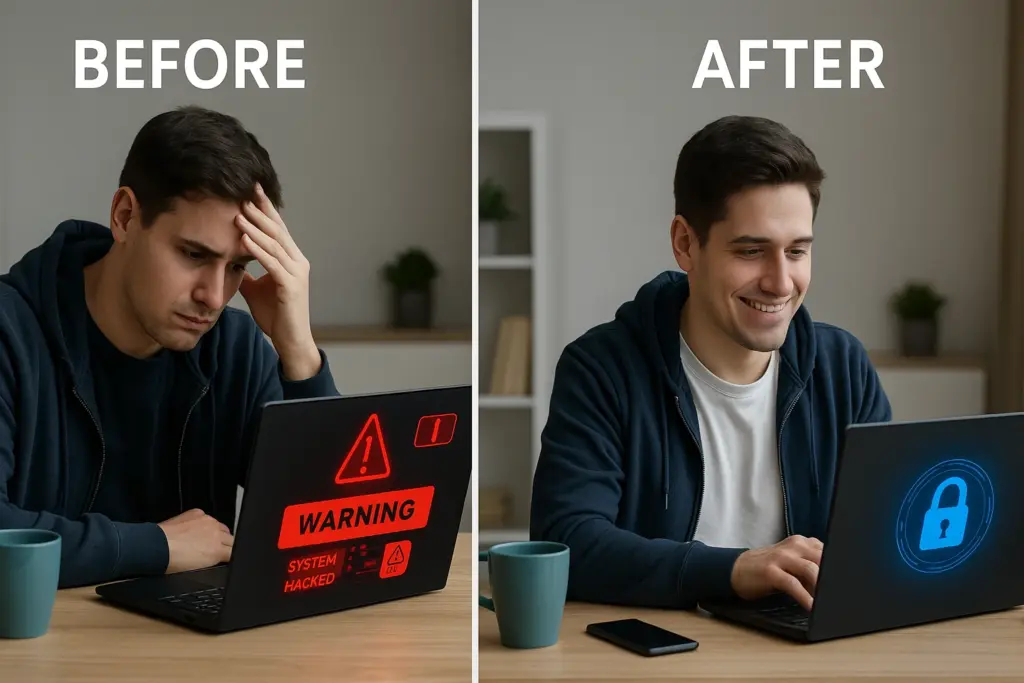
Recognize the Signs of a Hacked Laptop
Before you can recover anything, you need to confirm whether your laptop was actually hacked. Hackers use remote access to take control of systems, often without leaving obvious traces. So being aware of the red flags is important. Common signs of a hacked laptop:- Unusual slowdowns or frequent system crashes
- Pop-ups and programs you didn’t install
- Your laptop sends spam emails from your accounts
- Antivirus software or firewall settings are disabled
- You’re locked out of your user account or notice changes to your passwords
- Alerts about suspicious login attempts or unknown user accounts
Take Immediate Action to Limit Damage
Once you suspect your laptop has been compromised, follow these steps:Disconnect from the Internet:
Unplug your ethernet cable and disable Wi-Fi immediately. This prevents ongoing data theft or further malware installation.Avoid Logging In to Sensitive Accounts:
Hackers could be monitoring keystrokes or screen activity. Use a separate, safe device to change passwords for important accounts—especially banking, email, and cloud services.Document Any Issues:
Take screenshots or jot down any odd behaviors like error messages, strange files, or unknown logins. These details help professionals assess the breach.Do Not Run Generic Antivirus Scans:
While tempting, running antivirus on an infected computer without proper setup can make things worse. You could trigger hidden malware or delete recoverable files.Contact a Professional:
At Dave’s Computers, we provide fast diagnostics and can guide you through safe next steps, either remotely or in person. Getting expert help early reduces long-term risks.Safely Recover Lost or Deleted Files
With your laptop quarantined and urgent accounts protected, the next step is file recovery.Account Recovery Method 1: Use Backups
If you’ve used cloud services like Google Drive or Dropbox, or backed up to an external hard drive, check those platforms first. Before restoring:- Ensure the system is clean and secure.
- Avoid copying files back to the compromised laptop until it's been cleared.
Account Recovery Method 2: Try Data Recovery Tools
If you didn’t back up:- Use reputable data recovery software to scan for deleted files.
- Avoid free or unknown recovery tools as they can carry malware or further damage your system.
- Recover files to an external drive or clean device.
Restore System Integrity with Caution
Recovering your data is only part of the process. It’s essential to restore your system to a safe state to prevent reinfection.
Start by booting your laptop in Safe Mode. This allows you to run trusted scans and system checks while preventing nonessential programs (including many types of malware) from launching. If you’re unable to access the system normally, here’s how to fix an unbootable laptop hard drive so you can begin the recovery process.
Perform a Full System Scan Using Verified Antivirus Software:
Use a reliable antivirus solution—like Malwarebytes, Bitdefender, or Windows Defender—to locate and remove known threats.
Run a System Restore (If Available):
If your computer created restore points before the hack, use the System Restore feature to roll your system back to a clean state.
Reinstall Windows (If Necessary):
If malware persists or data corruption is extensive, a full reinstall using installation media may be required. Always back up recovered data before reformatting.
Secure Your Laptop to Prevent Future Hacks
After restoring access and recovering files, it’s important to focus on long-term protection. Many laptop hacks happen due to outdated software, weak passwords, or poor network security. To reduce future risks, follow these practical steps on how to extend the laptop lifespan and keep your system running securely for years. Steps to Secure Your Device: Install updated antivirus software and enable real-time protection.- Turn on your system firewall to block unauthorized remote access.
- Keep your operating system and all applications updated to patch
- vulnerabilities.
- Use strong, unique passwords for each account.
- Enable two-factor authentication on services that support it.
- Review user accounts and permissions to remove any unknown users.
Consider Ongoing IT Support
Getting through a laptop hack is challenging. Ongoing professional support ensures your computer stays protected. At Dave’s Computers, we offer:- Routine health checks to detect vulnerabilities early
- Remote monitoring to watch for future threats
- Customized IT solutions for homes and small businesses
- Fast support when issues occur, both in-person and online