Mistakes to Avoid When Building a
Custom PC: Common Mistakes Beginners
Make During PC Assembly
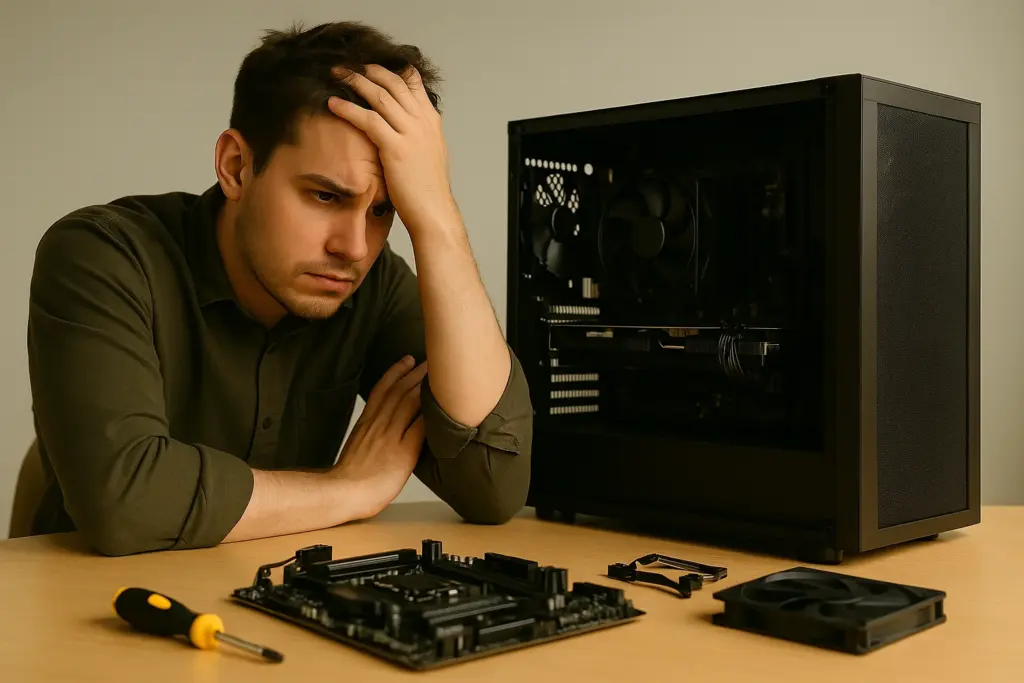
There are many mistakes to avoid when building a custom PC, especially if you're new to the process. Even small errors can lead to major issues like hardware damage, compatibility conflicts, or a system that won’t boot. At Dave’s Computers, we’ve helped countless customers through their first custom PC build NJ, and we know where things typically go wrong. That’s why we created this checklist to help you plan smarter, avoid costly setbacks, and build a PC that performs the way it should.
Skipping the Motherboard Manual
Many beginners ignore the motherboard manual, assuming it’s unnecessary. But this simple
booklet contains the layout, slot configurations, and installation details you need to avoid
building errors.
What can go wrong:
- Installing RAM in the wrong slots, missing dual-channel benefits
- Plugging cables into incorrect headers
- Bending or damaging CPU socket pins
What to do instead:
- Keep your motherboard manual open during assembly
- Use it to identify proper RAM slots, front panel connectors, and storage headers
- Double-check the CPU socket layout before installation
Following the manual avoids unnecessary troubleshooting later.
Forgetting the Motherboard Standoff
Installing a motherboard without standoffs is a common and costly mistake. These small
metal spacers keep your board from shorting out by lifting it off the metal case.
Why this matters:
- No standoffs = direct contact = potential short circuit
- Incorrect placement can warp or crack the board
Tips:
- Install only the standoffs that match the mounting holes on your motherboard
- Don’t overtighten the screws
- Check alignment carefully before securing the board
If you're unsure about standoff placement, ask our team or refer to your case and
motherboard guides.
Overlooking Incompatible Parts
Selecting components that don’t work together is one of the biggest mistakes to avoid when
building a custom PC. Just because parts are high-end doesn’t mean they’ll work together.
Common compatibility problems:
- CPU and motherboard socket mismatch
- RAM not supported by the motherboard
- Power supply wattage too low for GPU or CPU
- Graphics card too large for the case
- Storage drives incompatible with available ports
Avoid the hassle by:
- Using part-matching tools like PCPartPicker
- Verifying power requirements for all hardware
- Checking form factors to ensure your case fits your motherboard and GPU
Need help? Bring your parts list to Dave’s Computers for a free compatibility check before
you buy.
Poor Cable Management and Loose Connections
Rushed cable management can cause airflow issues, overheating, or even boot failures.
Red flags:
- Loose GPU or power connectors
- Overcrowded cables blocking fans
- Unconnected case I/O cables (like power switch or USB headers)
Best practices:
Route cables behind the motherboard tray where possible
Use zip ties or Velcro straps to secure cables
Test power connections to CPU, GPU, SSD, and motherboard before turning the
system on
A tidy case doesn’t just look better—it runs better too.
Misapplying Thermal Paste
Thermal paste helps your CPU cooler transfer heat away from the processor. Getting it
wrong can cause overheating and system instability.
Common thermal paste mistakes:
- Applying too much or too little
- Using old or dried-out paste
- Forgetting to apply it at all
How to get it right:
- Apply a pea-sized drop in the center of the CPU
- Do not spread it manually—let the cooler pressure handle distribution
- Clean off old paste with isopropyl alcohol before reapplying
After installation, monitor CPU temperatures using this guide on air vs liquid cooling for custom pc to make sure the cooler is seated properly.
Not Installing Drivers Before First Boot
You’ve built your PC, made all the right choices intel vs amd which is better for your next build, powered it on — and it’s not detecting your storage or Wi-Fi. Missing drivers are often the cause.
What to prepare before booting:
- USB drive with Windows installation files
- Motherboard drivers (especially chipset, network, and storage)
- GPU drivers (from the manufacturer’s website)
Pro tip:
- After installing Windows, run updates and install all necessary drivers
- Don’t rely solely on Windows Update for everything—it might miss essential ones
By preparing your drivers in advance, you avoid setup delays and connection issues.
Rushing the Assembly Process
Trying to build everything in one sitting without a plan often leads to mistakes.
What happens when you rush:
- Forgetting components (like SSDs or CPU coolers)
- Misplacing screws or cables
- Damaging fragile pins or parts
How to build smarter:
- Organize your parts on a clean, static-free surface
- Follow a step-by-step plan: start with CPU and RAM, then motherboard, then GPU,
- storage, power supply, and finally cables
- Test components outside the case (called "breadboarding") if you're unsure
Take your time and enjoy the process—it’ll save you time in the long run.
When to Ask for Help
DIY doesn’t mean you have to go it alone. If something feels off, strange noises, no display,
overheating, don’t push forward without checking. At Dave’s Computers, we’re happy to help
troubleshoot your custom PC in-store or over the phone.
Reach out if you:
- Hear fans spin but get no display
- Can’t install Windows or drivers
- Need help updating BIOS or firmware
- Aren’t sure which parts to choose
We’re here to make sure your build performs the way it should.
Ready to Build with Confidence?
Avoid the most common mistakes beginners make when building a custom PC by planning
ahead, checking compatibility, and asking for help when needed. Whether you're building
from scratch or upgrading your setup, Dave’s Computers is here to support your DIY
journey. Contact us today for expert advice or drop by our store for hands-on help with your
custom PC build.
📞 Call Dave's — 908-428-9558